.png)
Eroare critica
If you cannot recover access, contact support service: [email protected]
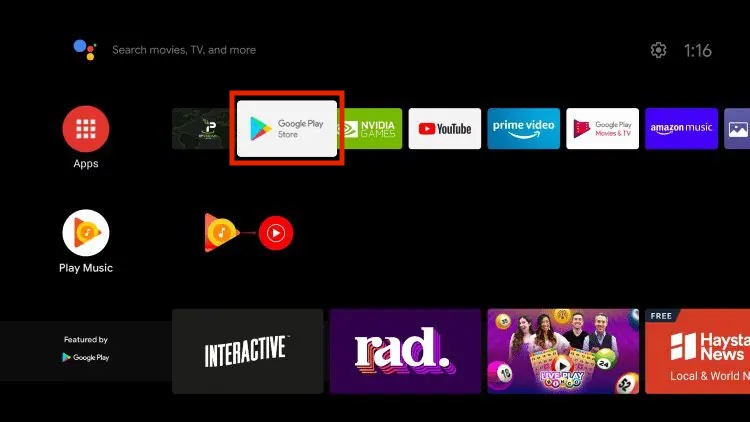
1. Click on the Google Play Store from the home screen.
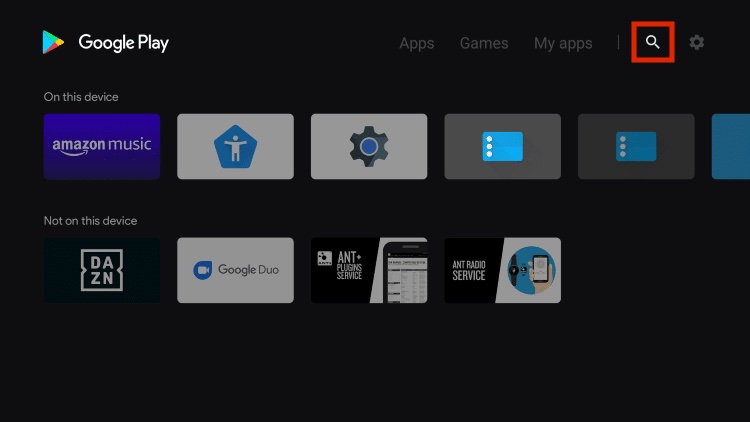
2. Click on the search icon.
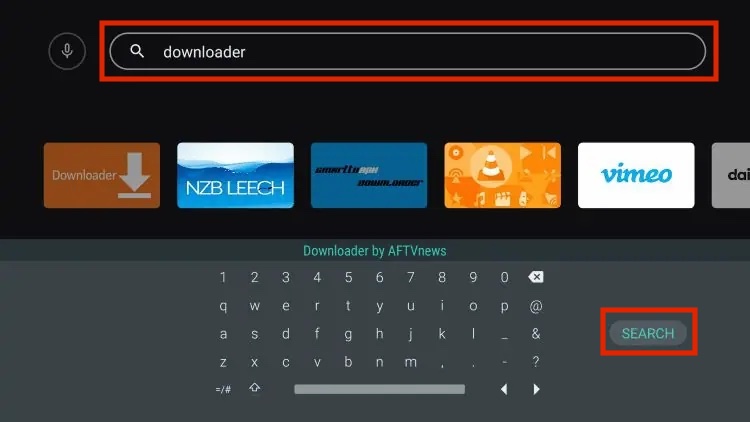
3. Enter "Downloader by AFTVnews" and click Search.
4. Click on Downloader by AFTVnews.
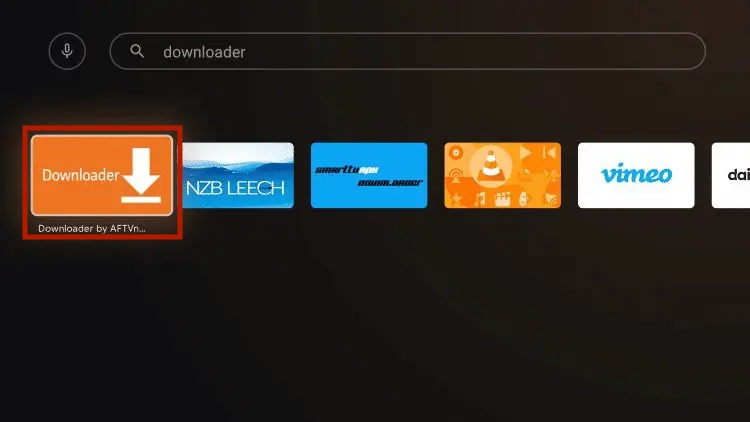
5. Click Install.
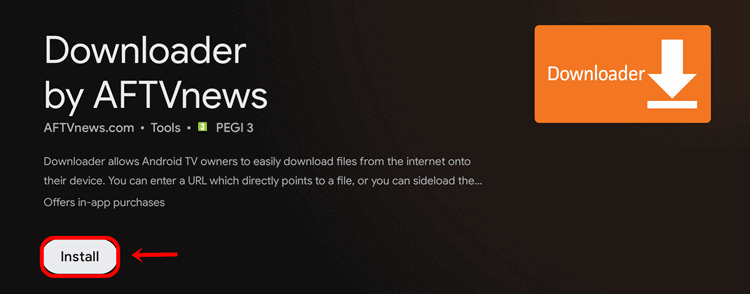
6. Open it.
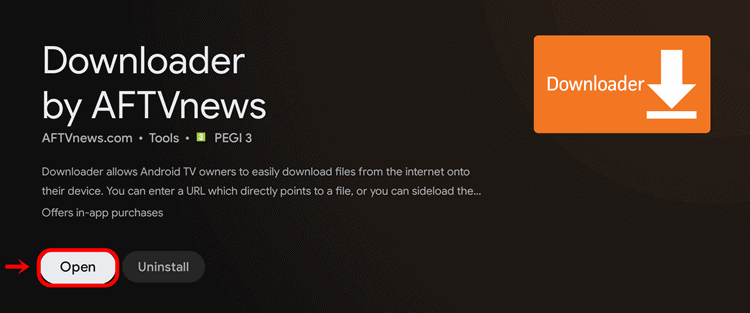
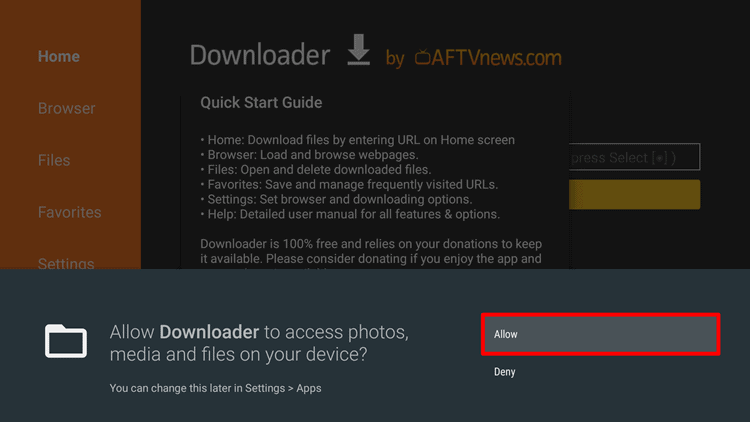
7. Click "Allow" when you see the permission warning.
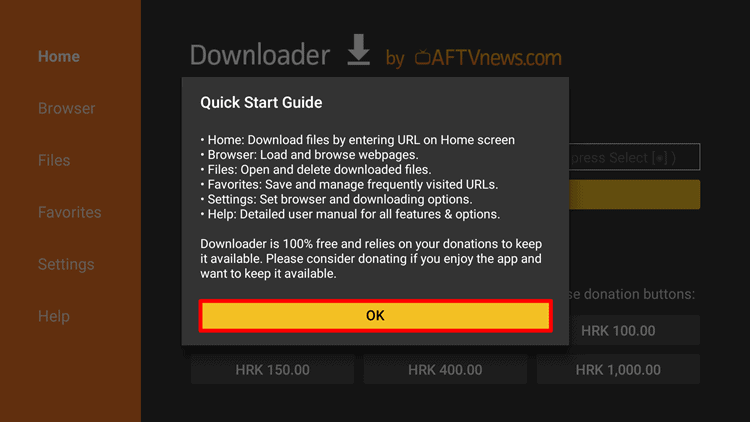
8. When you see the "Quick Start Guide", click OK.
9. Now you can download any third-party app(s) on Android TV. All you need to do is enter the URL (link) of the APK file and click Go.
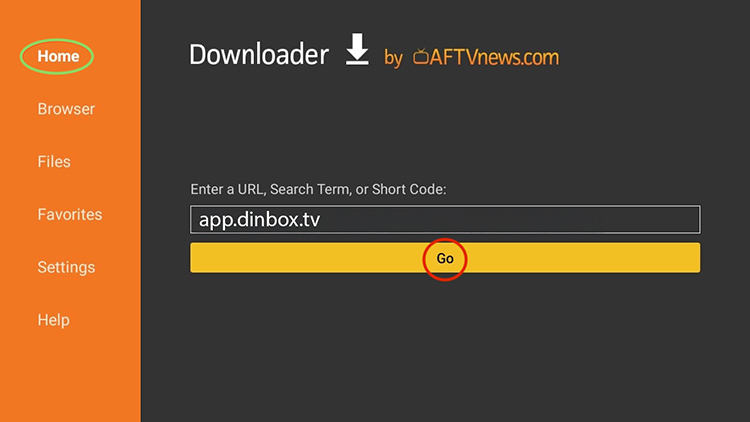
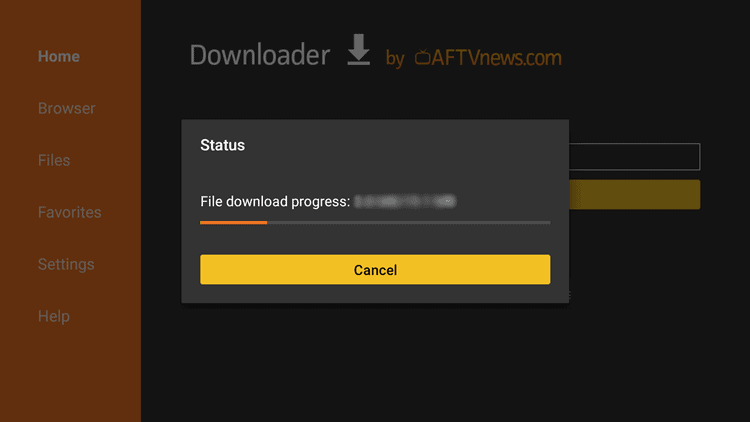
10. As shown in the image below, the APK file download will begin.
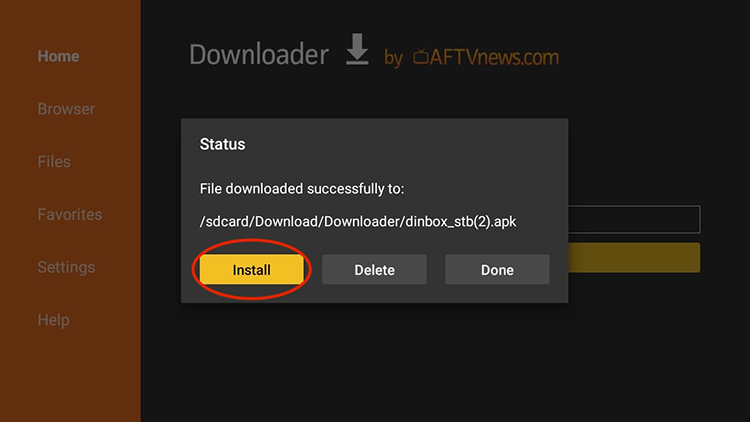
11. Once the download is complete, click Install.
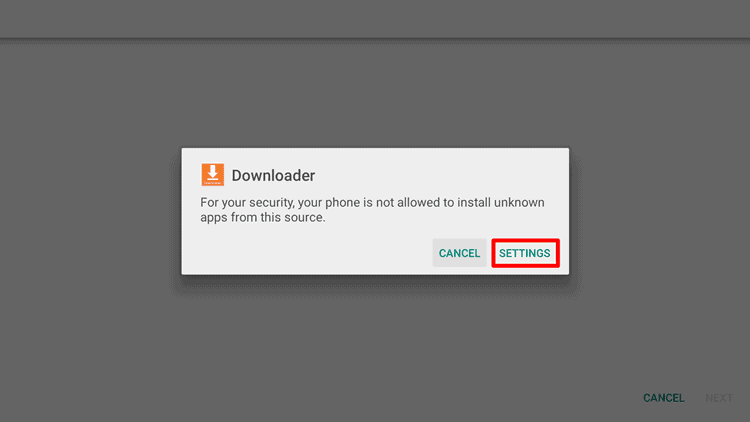
12. Since you are installing an app outside of the Google Play Store, you will need to allow installation from an unknown source. To do this, click "Settings" when you see the security warning below.
13. In the "Install unknown apps" settings, enable the Downloader app by moving the slider icon to the right.
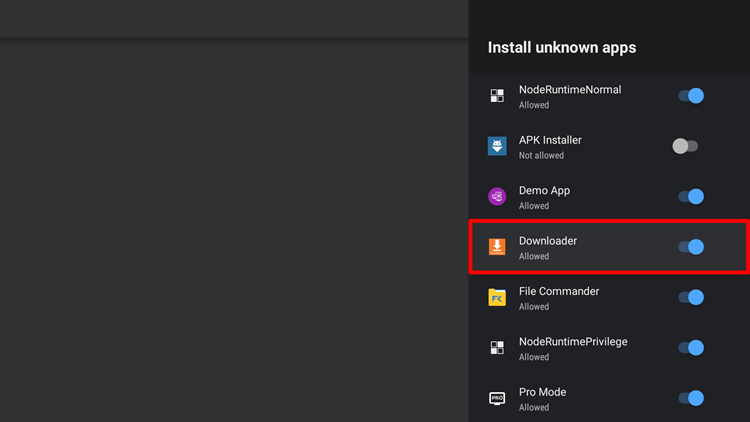
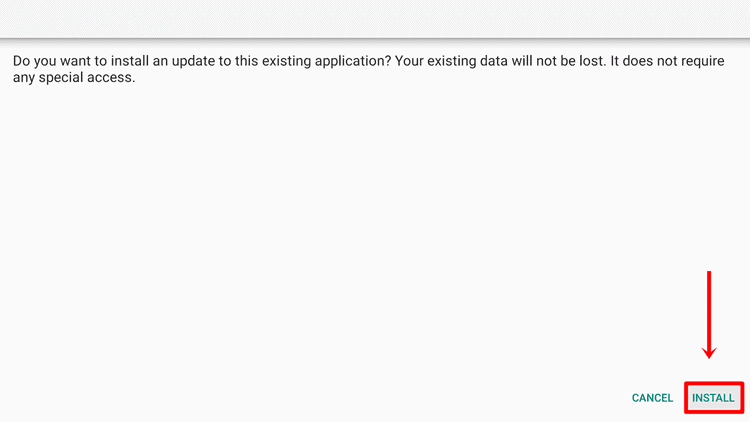
14. After doing this, go back to the previous screen and select "Install".
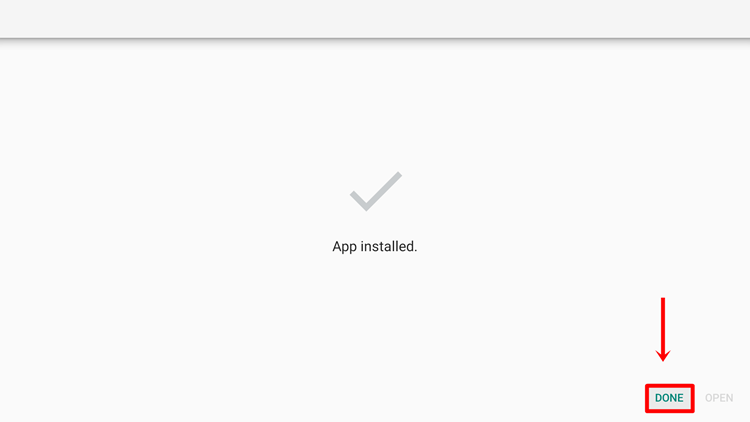
15. Once the app is installed, click "Done".
We have sent a confirmation code to . Enter it in the field below to complete your registration.
Send SMS again
Don't have an account yet?
Login: 33719
Password: 951689
An email confirmation has been successfully sent to the address you provided. Please check your mailbox (and spam folder, if necessary) and follow the instructions in the email to complete the confirmation process.
You are already automatically logged in. You can place an order at tariff connection
Order nowI am already a customer